
Morphing Particles on Scroll with Three.js and React
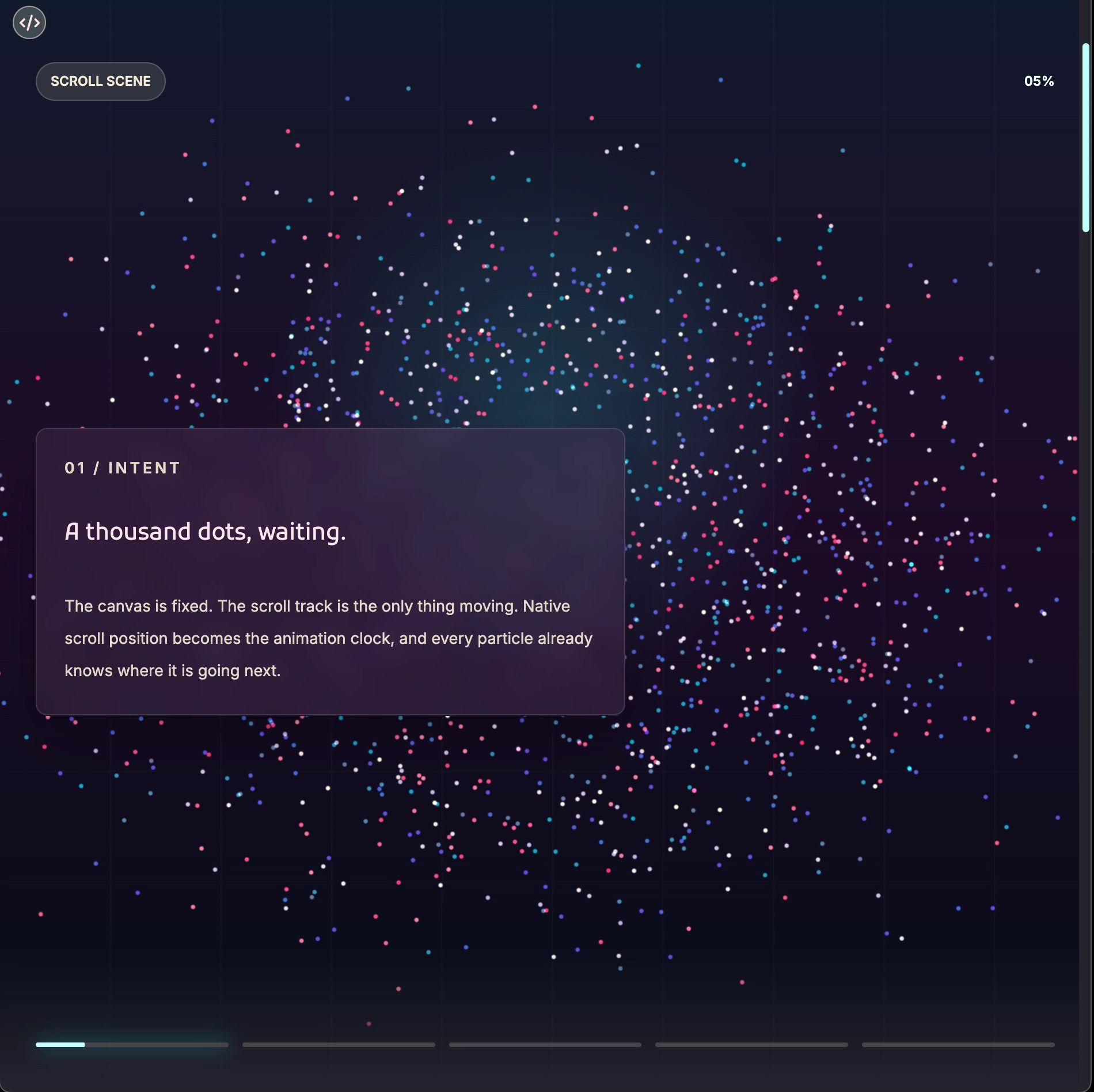
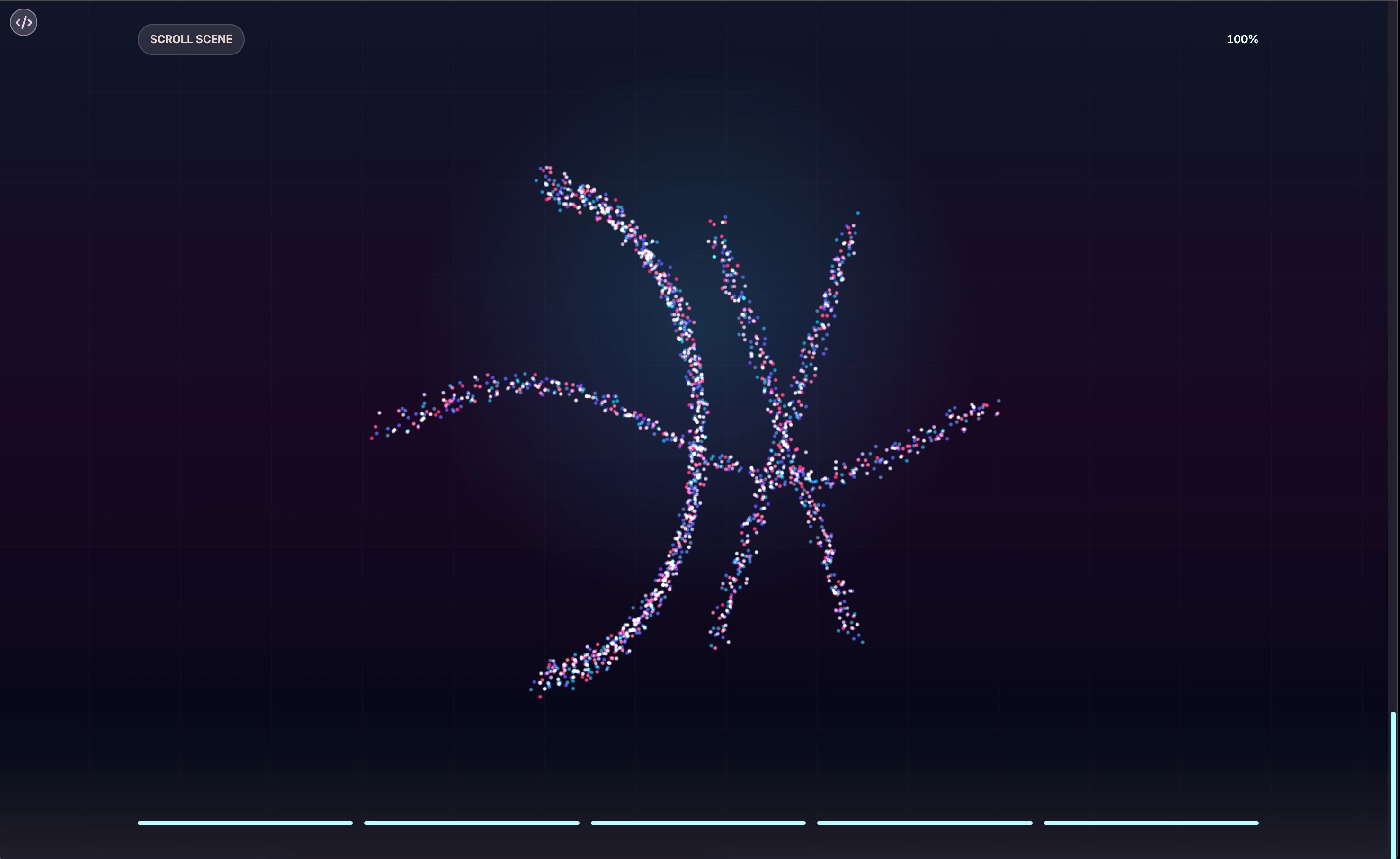
A close look at ParticleScroll, a full-screen scroll story component that ties a Three.js particle scene directly to native browser scroll position. There is no scroll animation library involved, just a single normalized float read from the element's bounding rect and scrubbed into the WebGL scene every frame. These panels walk through how the architecture works, what makes the developer experience clean, and where the shape system opens up for experimentation.
Motion Is the Point
Most UI animation is an afterthought tacked on before shipping. Every now and then someone builds something where the motion is the point, and the rest of the UI just gives it context.
ParticleScroll is that kind of experience: a full-screen scroll story built on Three.js that ties a WebGL particle scene directly to the browser's native scroll position. You feel like you are moving through the content rather than just reading it.
The Core Idea: Scroll Is a Timeline
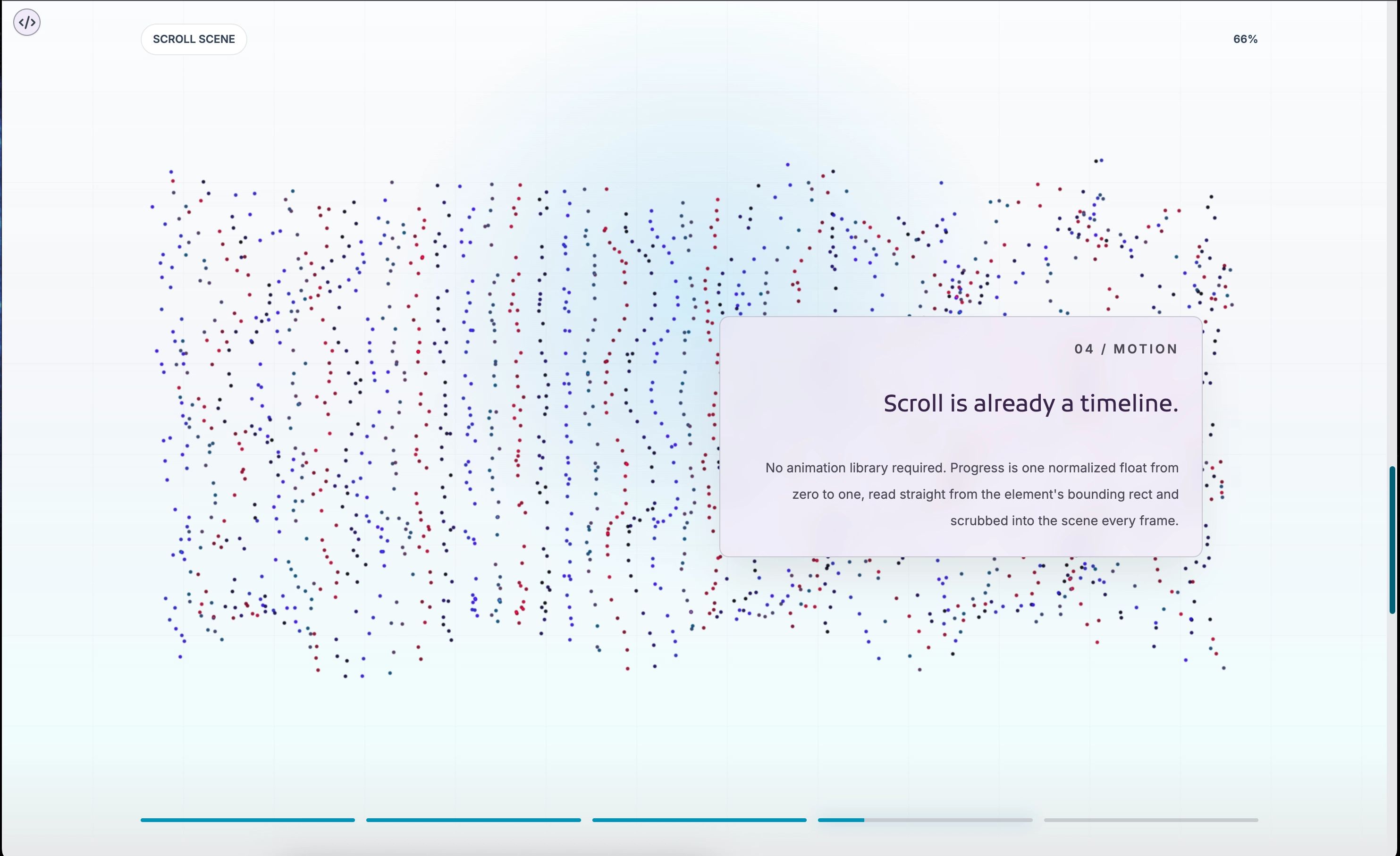
Scroll position is already a perfectly good timeline. You do not need a scroll animation library or a custom loop wired to scroll velocity. You need a normalized number from 0 to 1, and the browser hands it to you through the element's bounding rect.
const rect = scroller.getBoundingClientRect();
const scrollableDistance = scroller.offsetHeight - window.innerHeight;
targetProgressRef.current = clamp(-rect.top / scrollableDistance);
That single float drives everything: which particle frame to interpolate toward, which content moment to show, and how far the progress indicators fill. The immediacy comes from the operating system, not from custom code.
The Particle Engine
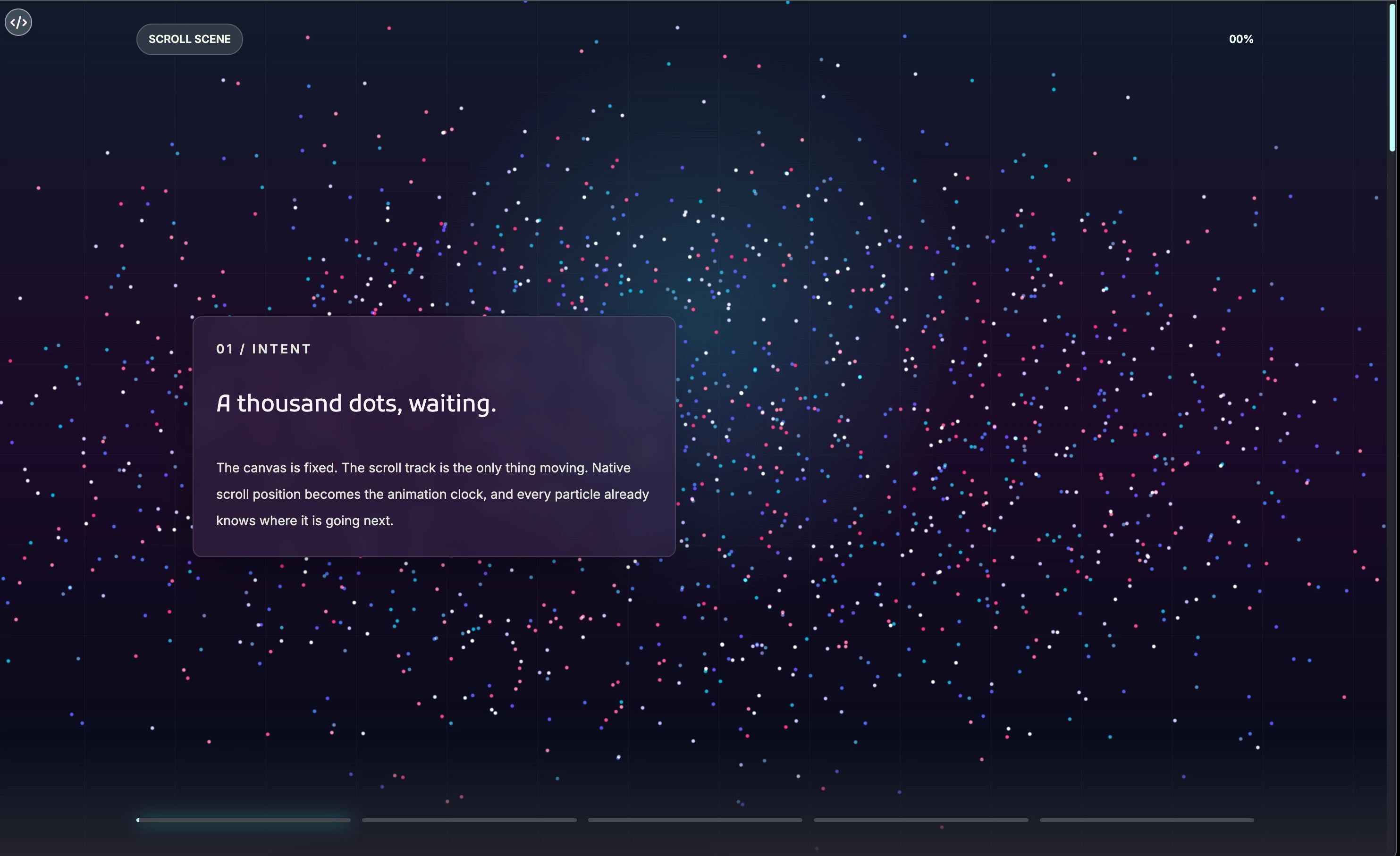
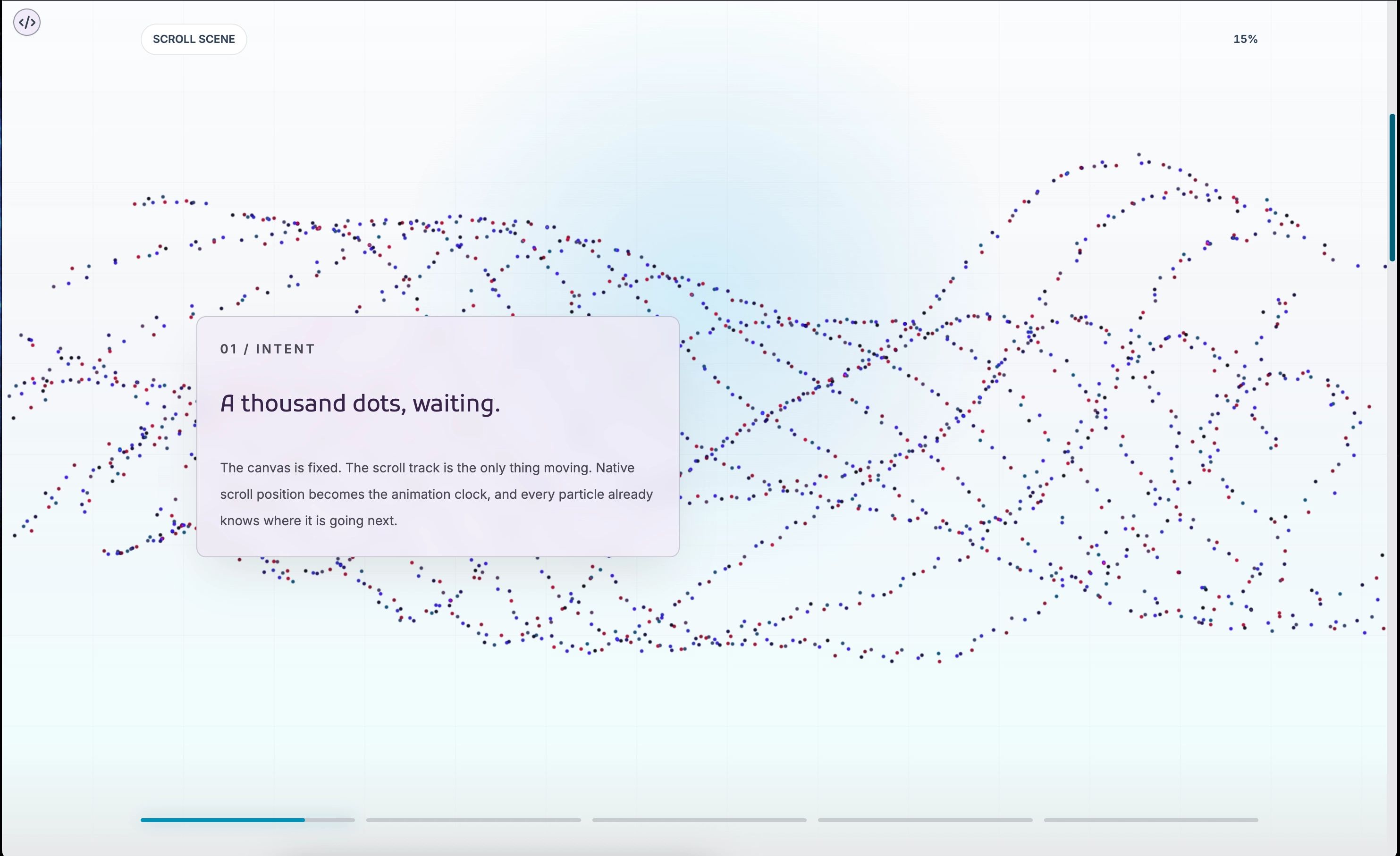
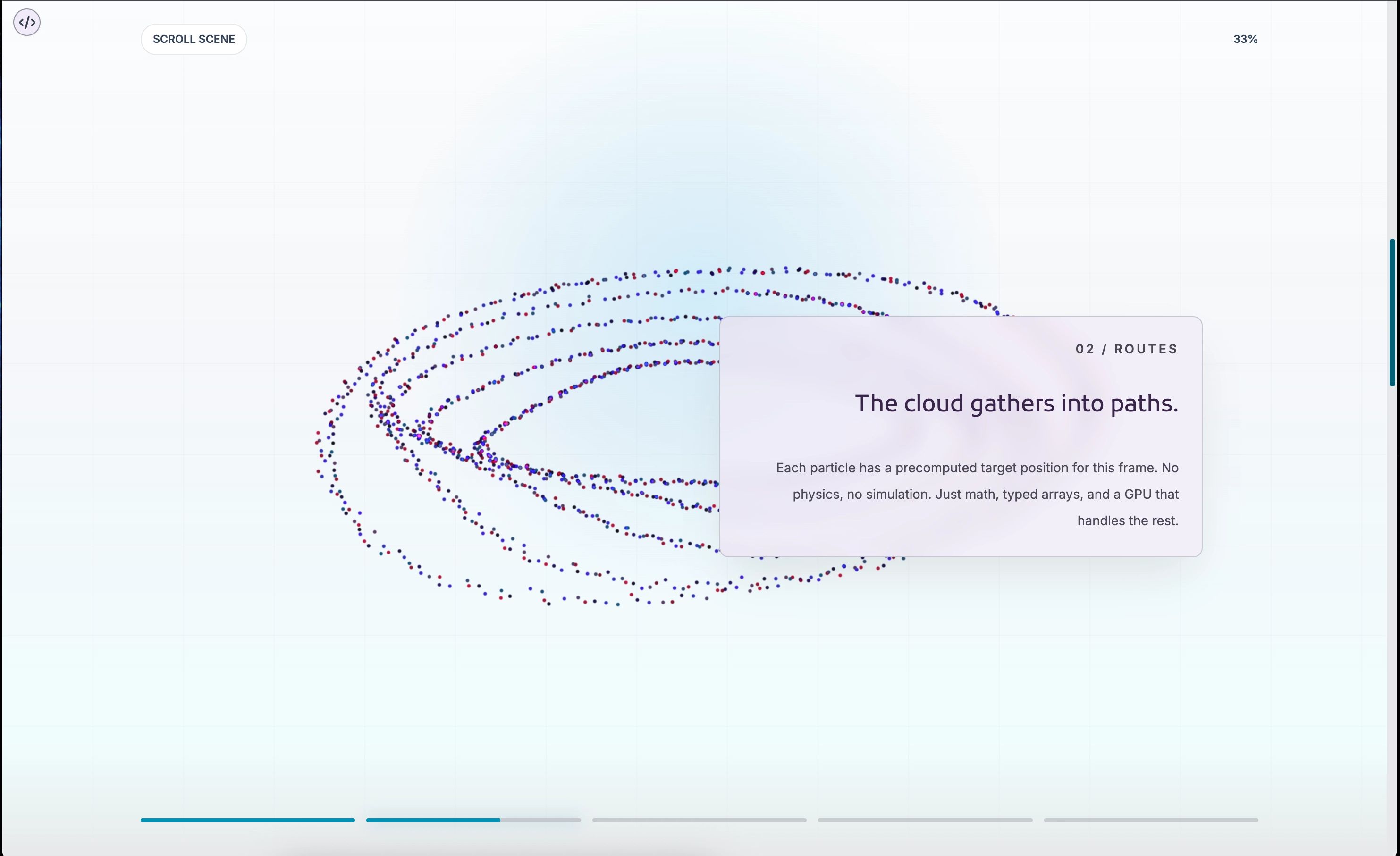
Each particle is a point in a Three.js BufferGeometry, stored as a flat Float32Array. The component precomputes frames, each a snapshot of where every particle sits for a given shape.
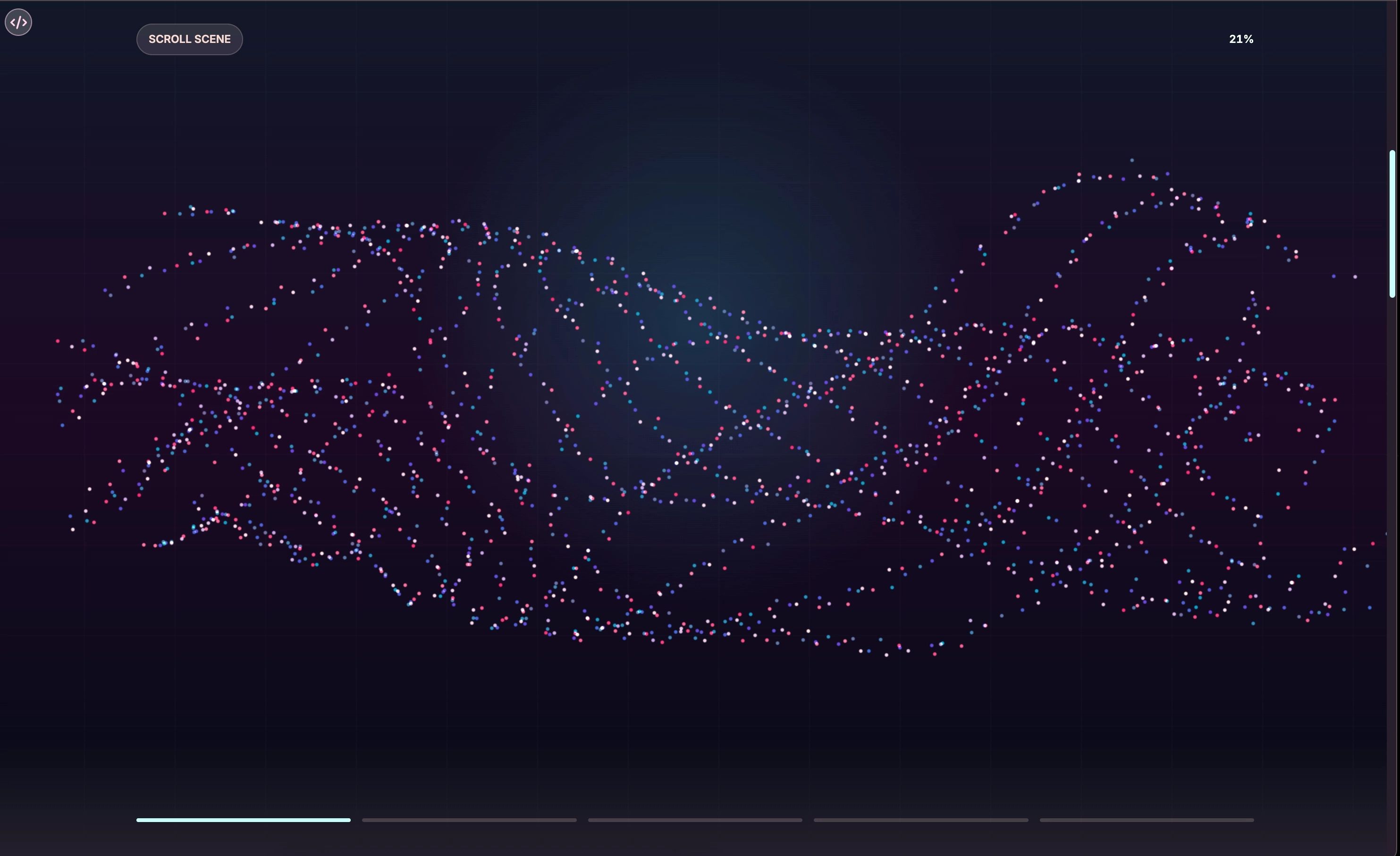
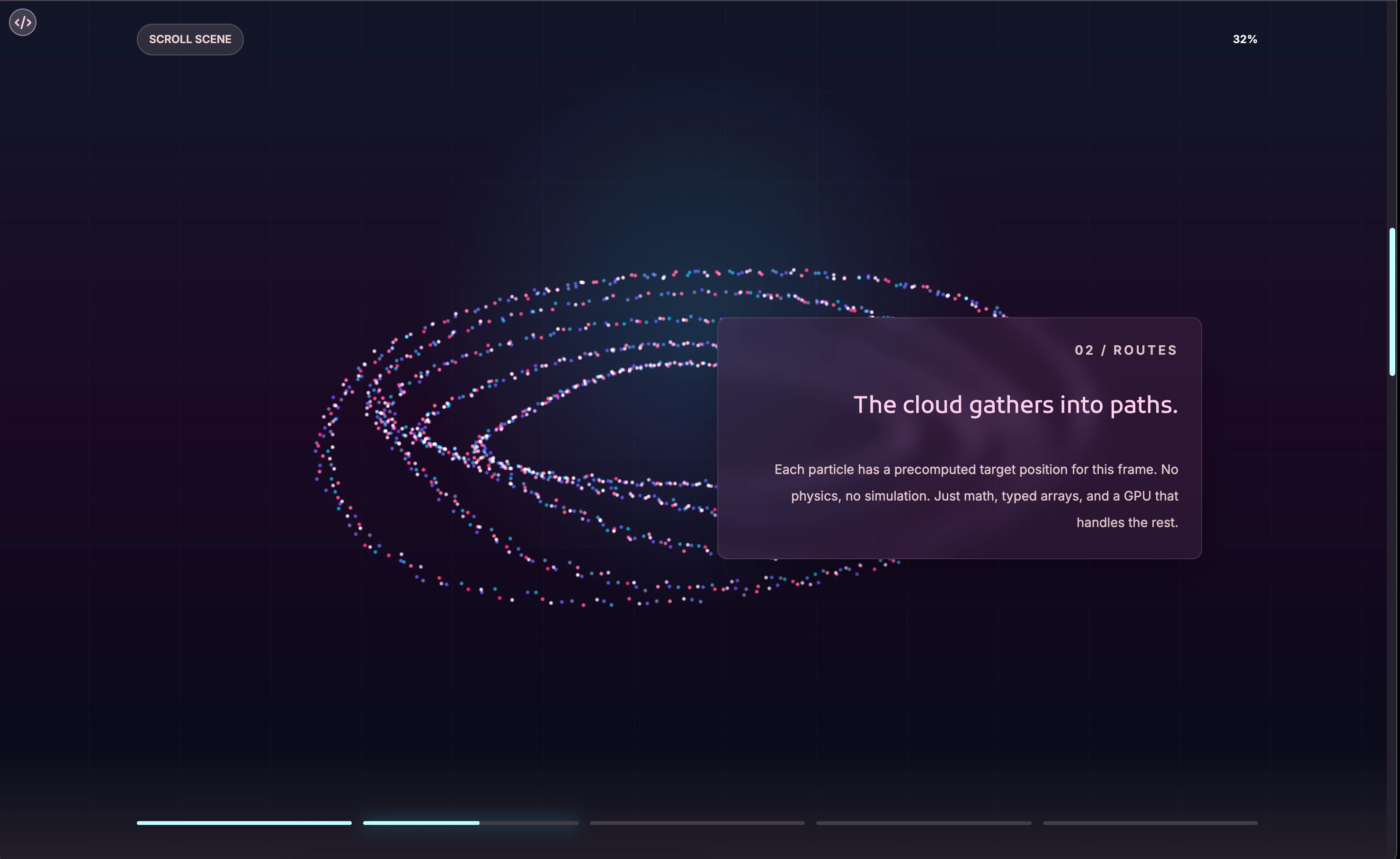
During the animation loop it interpolates between frames based on scroll progress, writing positions straight into the buffer. No per-particle state, no React re-renders, no DOM updates sixty times a second. The GPU handles the rest.
A Scene That Breathes
A wobble system kicks in when scrolling stops. The particles drift in a sine-wave pattern with a seeded random offset per particle, so they do not all pulse together. This keeps the scene alive while someone pauses to read.
It costs almost nothing computationally and matters more than it looks. A static particle field reads as a dead background. One that is quietly moving reads as present and alive. Most people never consciously notice the wobble, but they would feel its absence.
The User Experience
The interesting part is watching someone scroll through it for the first time. They slow down, the particles shift, a content panel arrives, and they read. After about ten seconds they are just in it.
People also scroll back up to watch the particles reverse. When a user wants to experience an animation more than once, you got it right.
The Developer Experience
The simplest usage is a single prop. Omit moments entirely and the component runs a built-in demo, so you can see the full experience before writing a single data object.
<ParticleScroll moments={moments} />The moments array is the primary API. Each moment is a plain object with an id, a normalized range, and content fields. The particle layer and content layer stay independent, communicating only through the progress value.
Light Mode, Dark Mode
Both themes get full, separate palettes rather than a dark scene with a half-working light toggle. The dark palette leans into deep blues and purples with cyan highlights; the light palette shifts to slate and sky tones that read on pale surfaces.
Particle colors are assigned per point from a seeded index into the color array, so changing four hex values transforms the whole scene. The geometry stays the same. The emotional register changes completely.
The Progress Strip
A row of thin bars sits at the bottom, one per moment, filling as scroll moves through each range. The active one gets a soft glow. It quietly tells the user there is more to see and roughly where they are.
That removes the low-grade anxiety of long-scroll pages where you cannot tell how much is left. Users slow down and commit, often easing up on the final segment to make it last.
Shapes As Pure Functions
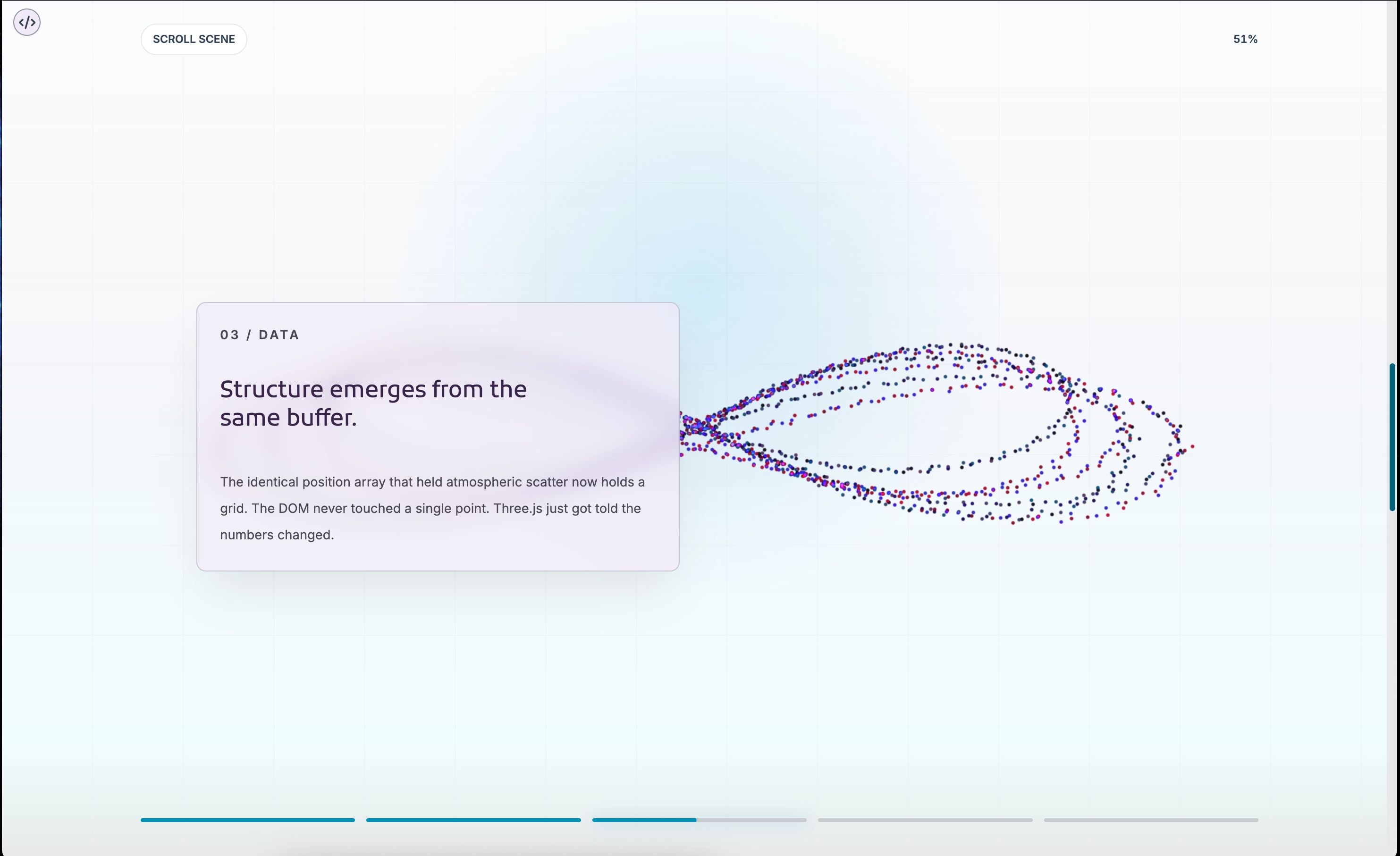
Each particle shape is a function. It takes a context describing the scene dimensions and particle count, and returns a Float32Array of positions. That is the entire contract.
Because particles are interpolated between frames rather than teleported, any sequence morphs smoothly from one shape to the next. Adding a shape means writing a function and dropping it into the frame array.
Performance Considerations
A WebGL canvas running a scroll-linked loop is not free, and the defaults are tuned for it: about 1,900 particles, a capped pixel ratio, and a scene that stops animating when the scroll track leaves the viewport.
For lower-end devices you can drop to 1,200 particles and a smaller point size. The character shifts from rich and immersive to light and atmospheric, which is a legitimate aesthetic choice, and still far more engaging than a static page.
Scroll Length and Pacing
The scroll track length controls pacing. A longer track stretches each moment out; a shorter one snaps through. You can tune the rhythm of the story without touching the content or the particles.
The same five moments feel like a punchy trailer in 200svh and like a full chapter in 700svh. Gaps between moment ranges become deliberate pauses where particles show but no panel is active.
Quick Reference: The Props That Matter
moments drives the story and is where you spend most of your time. scrollLengthClassName sets the pacing. particleCount, pointSize, and particleOpacity tune density and appearance.
darkPalette and lightPalette override the color system per theme. showProgress and showProgressText control the chrome. renderMoment gives full layout control, and particleWobble decides whether particles animate always, only when idle, or never.